Hercules Inpulse 500 with Rekordbox: Does It Work? (2026 Setup Guide)

Hercules Inpulse 500 with Rekordbox: Does It Work?
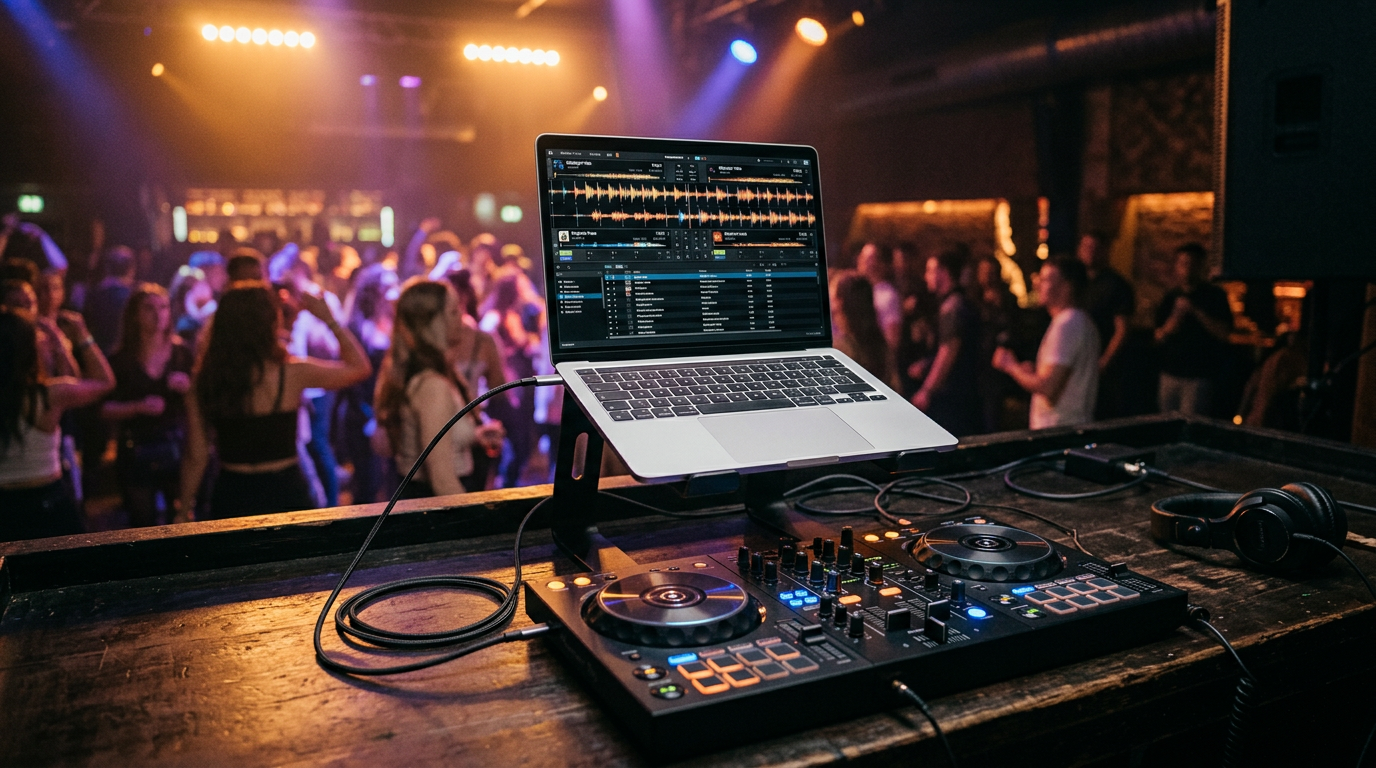
The Hercules DJControl Inpulse 500 is one of the most popular two-channel controllers for DJs moving past the beginner stage. It has full-size jog wheels, 16 performance pads, a built-in sound card and proper club-style outputs. It's also one of the most-searched "will it work with rekordbox?" controllers. This guide gives you the straight answer, the workaround, and the setup we'd actually recommend.
The short answer
The Inpulse 500 is not an officially supported rekordbox controller. Hercules builds it for DJUCED and Serato DJ Lite. Licences for both come in the box, and the controller is also supported in Serato DJ Pro. Rekordbox doesn't ship a ready-made mapping for it, and it isn't on Pioneer DJ's Hardware Unlock list. Plugging it in won't unlock rekordbox's Performance mode for free the way a Pioneer DDJ controller does.
You can still make it work in rekordbox with a custom MIDI mapping, because the Inpulse 500 is a standard USB MIDI controller with a built-in audio interface. The catch is that you need a paid rekordbox plan, and the result is never as polished as a native mapping.
What the Inpulse 500 officially supports
- DJUCED: Hercules' own free software. It supports every feature on the controller, including the Beatmatch Guide lights, the Filter/FX section and Beatport/Beatsource streaming.
- Serato DJ Lite: included. Supports TIDAL and SoundCloud Go+ streaming and the Beatmatch Guide.
- Serato DJ Pro: supported as an upgrade. A paid licence adds recording, more decks of control, full FX and the expansion packs. See our Serato expansion packs guide.
- Mixxx: the free open-source DJ app has a community mapping for the Inpulse 500 built in. Our Mixxx setup guide covers it.
Hardware-wise you get two master outputs (6.35 mm jack and RCA), two headphone outputs, a balanced mic input, aux inputs, 24-bit/44.1 kHz audio and 140 mm touch-sensitive jog wheels. That's a solid foundation whichever software you pick.
Using the Inpulse 500 in rekordbox: what you need
1. A paid rekordbox plan
Rekordbox's free Performance mode only works with Hardware Unlock devices, which means Pioneer DJ / AlphaTheta gear. To control rekordbox with a third-party controller like the Inpulse 500 you need a paid plan. Current pricing:
- Core: $12/month, or $120/year ($10/month billed yearly)
- Creative: $18/month, or $180/year
- Professional: $36/month, or $360/year (includes 5 TB of cloud storage)
Core is enough for controller use. Most rekordbox plans now come with a 30-day free trial of the paid features, which is a good way to test your mapping before you pay.
2. MIDI Learn
Rekordbox's MIDI LEARN window lets you assign any rekordbox function to a button, knob, fader or jog wheel. Open it from the MIDI button in Performance mode, select the Inpulse 500, then click a function and move the control you want to assign.
3. The Inpulse 500 as your sound card
In Preferences → Audio, pick the Inpulse 500 as the audio device. On a Mac it works as a class-compliant interface. On Windows, install the Hercules driver first so you get a low-latency ASIO device. Send the master mix to outputs 1–2 and the headphone cue to outputs 3–4.
Step-by-step: mapping the Inpulse 500 in rekordbox
- Update the controller firmware and install the latest Hercules drivers from Hercules' support site.
- Install the latest rekordbox 7 from rekordbox.com. See our rekordbox download guide if you need an older version.
- Sign in, activate a paid plan or the free trial, and switch to Performance mode.
- Set up audio (above) and check you can hear the master and headphone outputs.
- Open MIDI LEARN, choose the Inpulse 500 and start with the essentials: play/cue, sync, pitch faders, channel faders, EQs, filter, crossfader and headphone cue.
- Map the jog wheels last. Set them as relative controls and test both platter touch (scratch) and outer-ring nudging (pitch bend) before you go further.
- Map pads to hot cues first, then loops and samples if you need them.
- Export your mapping as a CSV backup so you don't lose it on reinstall.
Limitations to expect
- LED feedback is limited. Button lights, VU meters and the Beatmatch Guide won't behave as they do in DJUCED or Serato unless you map output messages too, and some won't work at all.
- Jog-wheel feel. Custom jog mappings rarely match the tuned response of a native mapping, so scratch DJs will notice.
- Shift layers and pad modes take time to rebuild by hand.
- Updates can break things. A rekordbox or firmware update can change how a custom mapping behaves.
- No USB export benefit from the controller itself. Rekordbox's real strength is preparing USBs for club CDJs. You can do that on the Free plan without mapping anything.
Our recommendation
If you already own an Inpulse 500, play on it with DJUCED or Serato DJ Lite/Pro, where everything works out of the box. If you'll play club gear later, keep a separate rekordbox library on the Free plan just for USB prep. Cue points don't transfer cleanly between Serato and rekordbox, so expect to set cues twice for tracks you play in both.
If rekordbox is your end goal, a Pioneer DJ controller such as the DDJ-FLX4 or DDJ-FLX6 unlocks Performance mode free and maps everything natively. Our rekordbox-compatible controllers guide lists your options. If you're still choosing software, start with Serato vs rekordbox.
FAQ
Does the Hercules Inpulse 500 work with rekordbox?
Not officially. You can control rekordbox with it through a custom MIDI Learn mapping on a paid rekordbox plan, but there's no native mapping and no free unlock.
Is there a downloadable rekordbox mapping for the Inpulse 500?
Some community mappings circulate online, but they're unofficial and may not match your rekordbox version. Only import mapping files from sources you trust, and keep a backup of your own.
Can I use rekordbox Free with the Inpulse 500?
You can use rekordbox Free to manage your library and export USBs. Controlling Performance mode with the Inpulse 500 needs a paid plan.
What's the best software for the Inpulse 500?
DJUCED for full feature support and Beatport/Beatsource streaming. Serato DJ Lite (upgradable to Pro) if you want the Serato ecosystem. Mixxx if you want a free, open-source option.
Does the Inpulse 500 work with an iPad?
Hercules doesn't list iPad support for the Inpulse 500, and rekordbox's mobile app doesn't support it. If iPad DJing matters to you, choose a controller that's explicitly sold as iOS-compatible.